


 Search
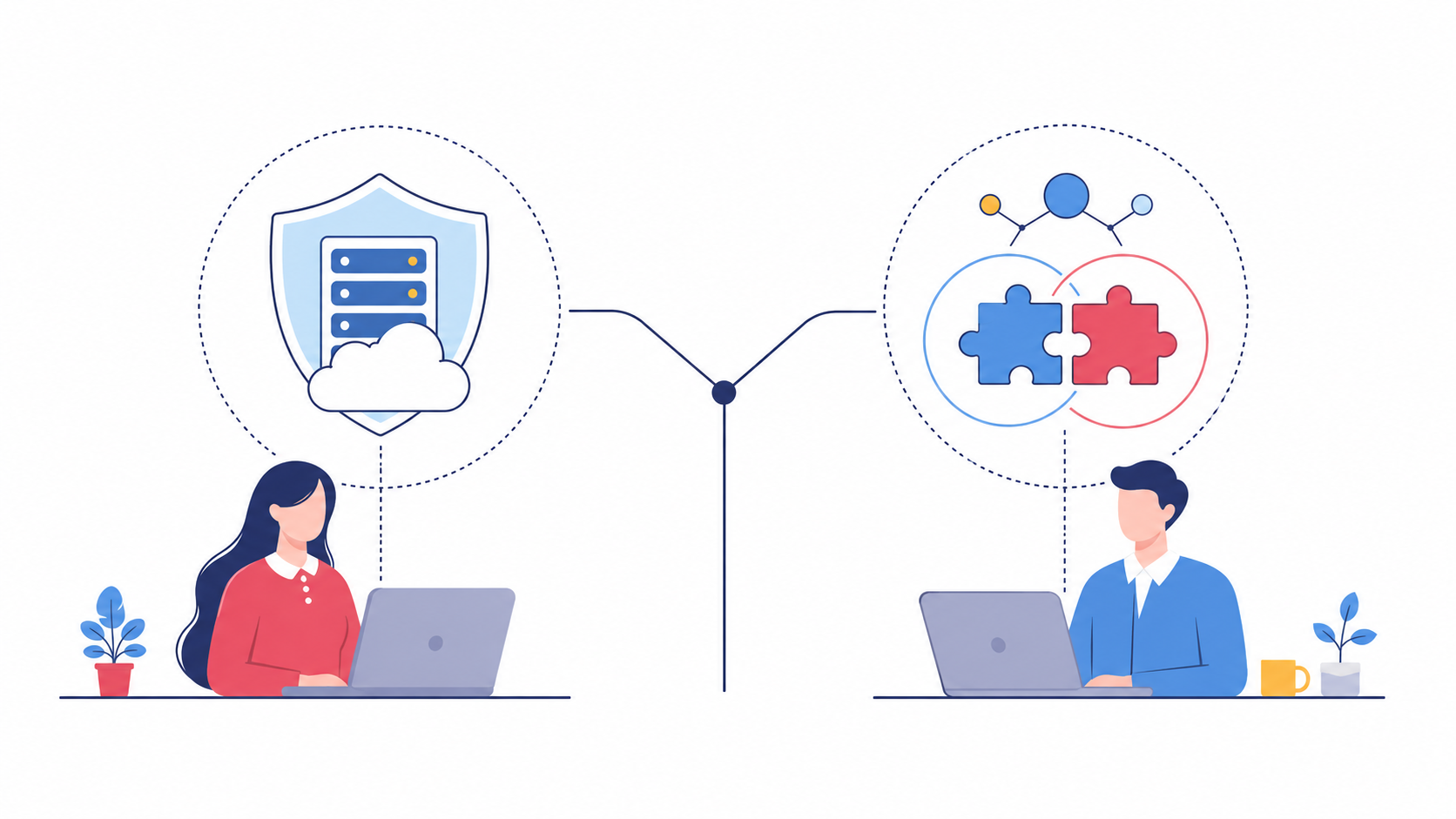
Your IT manager is drowning. Tickets pile up faster than they can close them. The finance system update that should’ve taken an hour turned into three days of firefighting, and now the server room smells faintly of burnt coffee and quiet panic.
Sound familiar? If you’re running an SME in Louth, Meath, or Dublin, you’ve probably asked yourself one question more than once: Should we hand IT over completely or bring in help alongside the team we already have?
That’s the real choice behind managed vs co-managed IT, and it’s not a trivial one. Get it wrong, and you either overpay for support you don’t need or you leave your existing team stretched too thin to cope. Get it right, and IT stops being a source of stress and starts being something that just works.
What “Managed” and “Co-Managed” Actually Mean
Managed IT services mean an external provider takes full ownership of your technology. Support, monitoring, security, backups, and updates: all of it sits with them. You don’t need an internal IT department at all, because the provider is your IT department.
Co-managed IT services work differently. You keep your existing IT person or small team, and a provider like ImageIT fills the gaps around them. Maybe your internal person handles day-to-day user requests, while we handle cybersecurity monitoring overnight or step in for a project that’s bigger than one person can carry alone.
Neither model is better in the abstract. They solve different problems. A five-person business with no IT staff needs something different from a forty-person company with one overworked systems administrator.
Fully Managed IT Services: What You Get and Who It Suits
The case for handing it all over
If you have no internal IT resource, fully managed IT services give you a complete outsourced IT department. One point of contact. One monthly cost. One team is accountable for everything from a slow laptop to a ransomware attempt.
This suits businesses that:
- Have no dedicated IT staff at all
- Want predictable monthly costs instead of surprise invoices
- Need proactive IT support, not just someone who turns up after something breaks
- Would rather focus on running the business than managing technology
For many SMEs across Louth, Meath, Monaghan, Cavan, and Dublin, this is the simpler route. There’s no internal politics to manage, no question of who owns which system. The managed service provider owns it, full stop.
Where fully managed can fall short
It’s not universal. A business with a skilled IT person already in place might find full outsourcing feels like paying twice for the same job, or worse, sidelining someone who knows the business inside out. That’s usually the moment co-managed IT solutions start to look more sensible.
Co-Managed IT Services: Working Alongside Your Existing Team
What co-managed actually looks like day to day
Co-managed IT support isn’t a replacement. It’s reinforcement. Your internal person keeps doing what they do best, usually the hands-on, relationship-driven work: helping a colleague reset a password, managing the printer nobody understands, and knowing which client’s laptop always overheats.
Meanwhile, the external partner takes on the parts that need scale, specialist tools, or round-the-clock coverage:
- 24/7 network monitoring and threat detection
- Backup management and disaster recovery planning
- Specialist cybersecurity services
- Overflow support during busy periods or staff absence
- Strategic IT consulting services for longer-term planning
Think of it like a GP working alongside a specialist consultant. Your GP knows you, your history, and your day-to-day. The specialist brings deeper expertise for the specific problem that needs it. Neither replaces the other.
Common triggers that push a business toward co-managed
Businesses usually move toward co-managed IT support benefits when:
- Their one IT person is on leave, and there’s no cover
- A project (a Microsoft 365 migration, say) needs more hands than they have
- Cybersecurity has become too specialised for one generalist to handle alone
- Growth means the existing team can’t keep pace with new demands
None of that means the internal hire failed. It means the business grew past what one person can reasonably carry.
Managed vs Co-Managed IT: The Real Differences That Matter
That division of responsibilities is the part businesses underestimate. Co-managed IT solutions only work smoothly when everyone agrees, in writing, who owns what. Vague boundaries create the exact confusion this model is meant to solve.
Here’s where the two models actually diverge, stripped of sales language:
| Factor | Fully Managed IT | Co-Managed IT |
|---|---|---|
| Internal IT staff needed | No | Yes, works alongside them |
| Who owns overall responsibility | The provider | Shared, based on agreed scope |
| Best suited to | Businesses with no in-house IT | Businesses with existing IT staff needing support |
| Cost structure | Predictable, all-in monthly fee | Scoped around specific gaps filled |
| Scalability | Scales with the provider’s resources | Scales around what the internal team can’t cover |
| Speed to implement | Faster, since there’s no existing team to integrate | Requires clear division of responsibilities first |
Which Model Fits Your Business? Questions to Ask Yourself
Skip the theory for a moment. Answer these honestly:
- Do you currently have anyone dedicated to IT, even part-time? If not, fully managed is likely the simpler starting point.
- Is your internal IT person overwhelmed or just occasionally stretched? ‘Overwhelmed’ points to co-managed reinforcement. Occasionally, the stretched might just need better tools.
- Do you need specialist cybersecurity services your team doesn’t have? That’s a common co-managed entry point since threat monitoring is hard to build in-house at SME scale.
- Are you planning significant growth in the next 12 to 24 months? Scalable IT support matters more the faster you’re growing, under either model.
- Would losing your one IT person tomorrow leave you exposed? If yes, that’s a business continuity gap worth addressing regardless of which model you choose.
There’s no universally right answer here. There’s only the right answer for where your business actually stands today.
Why the “Best” Model Depends on Where You Are Right Now
We get asked which is the best IT support model for small businesses, and the honest answer is it depends on your starting point, not on which model sounds more impressive.
A business with no IT staff and a tight budget usually gets more value, faster, from full managed IT services. A business with a capable internal person who’s simply out of hours in the day gets more value from co-managed support that fills the specific gaps.
What matters more than the label is whether the model is proactive rather than reactive. Proactive IT support catches a failing hard drive before it takes down your invoicing system. Reactive support just responds once it already has.
If you’re still unsure which model fits, that’s a conversation worth having properly, not guessing your way through. We’ve spent over 30 years helping SMEs across Louth, Meath, Monaghan, Cavan, and Dublin work out exactly this, and we’re happy to talk through your setup with no pressure attached. Get in touch with ImageIT to talk it through.
Frequently Asked Questions
1. What’s the main difference between managed and co-managed IT services?
Managed IT means a provider handles everything. ‘Co-managed’ means they work alongside your existing in-house IT staff, filling specific gaps.
2. Is co-managed IT cheaper than fully managed IT?
Not always. Cost depends on scope. Co-management can cost less if it only covers gaps but more if it duplicates existing roles.
3. Can a business switch from managed to co-managed later?
Yes. Many businesses start fully managed, then move to co-managed once they hire internal IT staff as they grow.
4. Do I need an internal IT person for co-managed IT to work?
Yes. Co-managed IT services are built around supporting an existing team member, not replacing one.
5. Is co-managed IT support only for larger businesses?
No. Even a single internal IT hire in a small business can benefit from co-managed reinforcement, especially for cybersecurity.
6. What happens if my internal IT person leaves under a co-managed setup?
Your provider can usually step in temporarily, then help you decide whether to rehire or move to a fully managed model.
7. Does co-managed IT create confusion over who’s responsible for what?
It can, unless responsibilities are agreed upon clearly upfront. A defined scope document prevents most confusion.
8. Is completely managed IT support proactive or reactive?
Good fully managed providers work proactively, monitoring systems continuously rather than only responding after issues occur.
9. How do I know if my business has outgrown its current IT support?
Frequent unresolved issues, slow response times, or one overwhelmed IT person are common signs it’s time to reassess.
10. Does ImageIT offer both managed and co-managed IT services?
Yes. ImageIT provides both models, tailored to whether a business has existing IT staff or needs full outsourced support.
